Murder Mystery 2 Thumbnail Maker
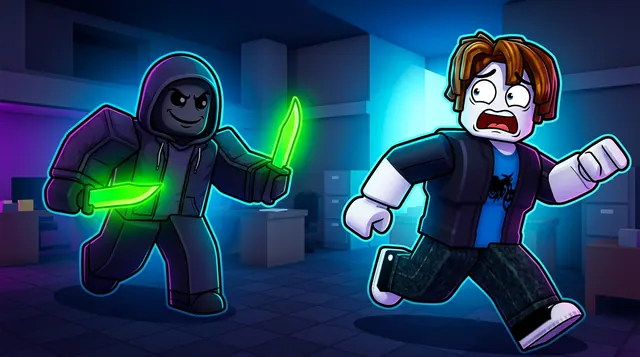
A Murder Mystery 2 thumbnail is tense and dramatic — the murderer with a glowing knife, the sheriff with a gun, and a dark, suspenseful scene. BloxGFX generates that moody MM2 look from a prompt in seconds: describe the roles, the weapon, and the tension, then download a click-ready 1920×1080 thumbnail.
Updated · By the BloxGFX team — Roblox creators.
3 free credits to start · no credit card
Roblox thumbnails made with BloxGFX
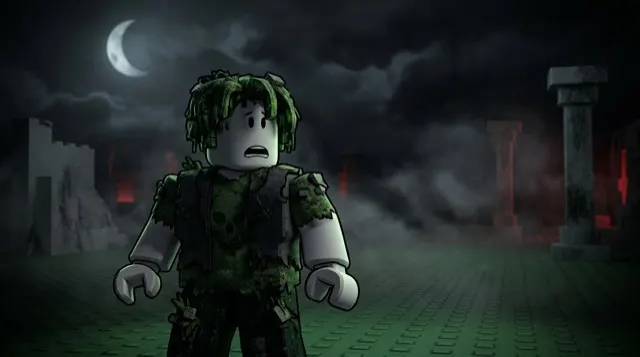
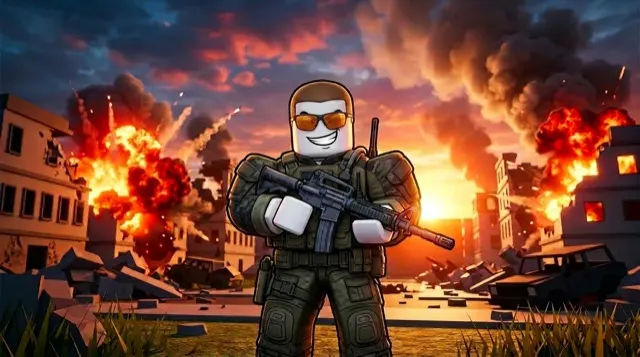
The first one was generated in BloxGFX from the example Murder Mystery 2 prompt on this page. The other two were made for other Roblox games.
How to make a murder mystery 2 thumbnail with AI
- 1Open the BloxGFX generator and pick the 16:9 thumbnail format.
- 2Describe your Murder Mystery 2 scene — try a prompt like "shadowy murderer holding a glowing neon knife, frightened innocent running, dark dramatic lighting, suspenseful blue tones".
- 3Optionally upload a reference image (your avatar, or a screenshot from Murder Mystery 2) to guide the AI.
- 4Generate, then refine with edit prompts until it pops at search-result size.
- 5Download the 1920×1080 PNG and upload it to your experience on the Creator Hub.
Tips for better results
- Lean into suspense — dark lighting, a glowing knife, and a tense chase capture the MM2 mood.
- A recognizable weapon (a neon or godly knife) as the focal point signals the game and the drop instantly.
- Lead with emotion and action — a bold focal character and high contrast win the click.
Murder Mystery 2 thumbnail prompt ideas
Paste one into the generator and tweak the details to match your video or update.
Murderer reveal
shadowy roblox figure with glowing red eyes holding a knife behind an unaware player, dim mansion hallway, suspenseful lighting
Sheriff clutch
roblox sheriff aiming a glowing revolver at a masked murderer across a dark room, single beam of light, tense standoff
Godly knife showcase
ornate glowing legendary knife floating on a pedestal with magical aura, dark background, sparkles, rare item vibe
Murder Mystery 2 thumbnail style guide
- Colour palette
- Dark blues and blacks with one hot accent colour — red or neon — on the weapon or eyes.
- Focal subject
- The tension between two roles: murderer and sheriff, or murderer and innocent.
- Avoid
- Gore. The game's audience is young; suspense sells better and stays within Roblox rules.
FAQ
How do I make a Murder Mystery 2 thumbnail?
Describe the scene in BloxGFX — the murderer, the knife, and the dark mood — and it generates a finished 1920×1080 thumbnail in seconds.
Can I feature a specific knife?
Yes — name it in your prompt and add a reference image so the godly or seasonal knife matches what you're showcasing or trading.
What makes an MM2 thumbnail feel suspenseful?
Dark, moody lighting, a glowing knife as the focal point, and a tense beat — the murderer stalking or an innocent running — sell the Murder Mystery mood.
Make yours in seconds
Built by Roblox devs, for Roblox devs. No Blender, no designer.
Try BloxGFX free