Blade Ball Thumbnail Maker
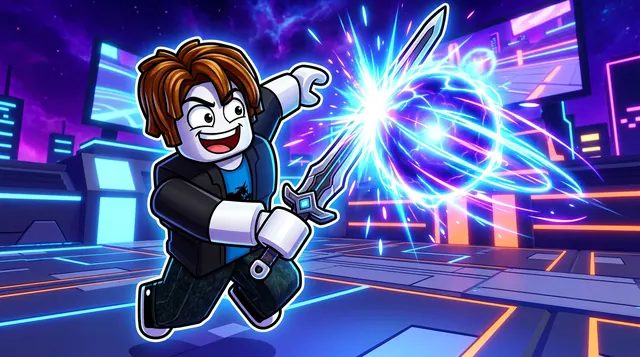
A Blade Ball thumbnail is fast and flashy — a glowing energy ball, swords mid-swing, and neon ability effects in a high-energy arena. BloxGFX generates that electric look from a prompt in seconds: describe the deflect, the abilities, and the glow, then download a click-ready 1920×1080 thumbnail.
Updated · By the BloxGFX team — Roblox creators.
3 free credits to start · no credit card
Roblox thumbnails made with BloxGFX
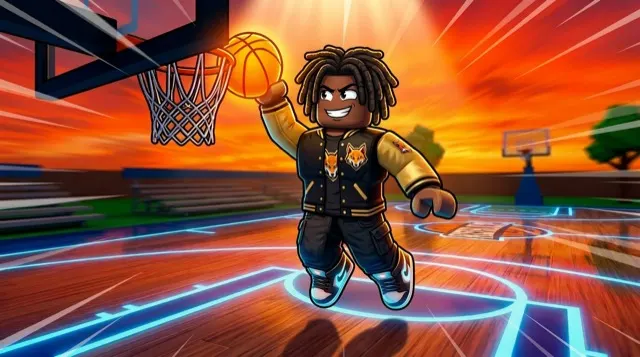
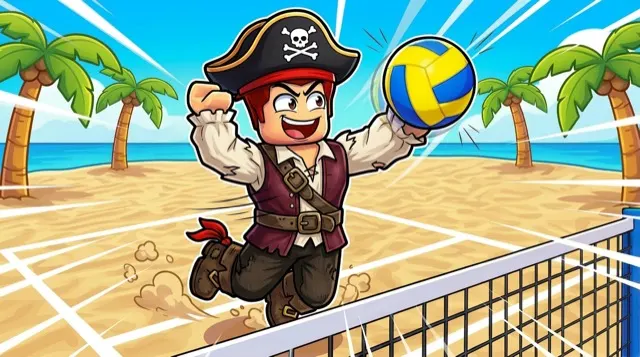
The first one was generated in BloxGFX from the example Blade Ball prompt on this page. The other two were made for other Roblox games.
How to make a blade ball thumbnail with AI
- 1Open the BloxGFX generator and pick the 16:9 thumbnail format.
- 2Describe your Blade Ball scene — try a prompt like "character deflecting a glowing energy ball with a sword, neon trails, dramatic arena, intense action, electric blue and purple glow".
- 3Optionally upload a reference image (your avatar, or a screenshot from Blade Ball) to guide the AI.
- 4Generate, then refine with edit prompts until it pops at search-result size.
- 5Download the 1920×1080 PNG and upload it to your experience on the Creator Hub.
Tips for better results
- The glowing ball and neon ability trails are the signature — make the energy effects the brightest thing in the frame.
- Capture a high-stakes moment (a deflect, a clutch) with motion and glow to sell the fast-paced action.
- Lead with emotion and action — a bold focal character and high contrast win the click.
Blade Ball thumbnail prompt ideas
Paste one into the generator and tweak the details to match your video or update.
Clutch parry
roblox swordsman parrying a blazing energy ball at the last second, circular shockwave, dark arena with neon edges, intense focus
New ability
roblox character unleashing a glowing ability with swirling blades around them, electric purple and cyan energy, dramatic pose
1v1 final
two roblox duelists facing off with swords drawn, glowing ball between them, split lighting red vs blue, arena crowd silhouettes
Blade Ball thumbnail style guide
- Colour palette
- Dark backgrounds with electric neon accents — cyan, magenta and purple — on the ball and blades.
- Focal subject
- The ball and the blade at the moment of contact.
- Avoid
- Wide arena shots where the ball is a tiny dot; the speed is the hook, so get close.
FAQ
How do I make a Blade Ball thumbnail?
Describe the action in BloxGFX — the glowing ball, sword, and ability effects — and it generates a finished 1920×1080 thumbnail in seconds.
Can I feature a specific ability or skin?
Yes — name it in your prompt and add a reference image so the effect or sword skin matches what you're showing.
What's the focal point of a Blade Ball thumbnail?
The glowing energy ball and neon ability trails — make them the brightest thing in the frame, caught at a high-stakes moment like a deflect or a clutch.
Make yours in seconds
Built by Roblox devs, for Roblox devs. No Blender, no designer.
Try BloxGFX free