Da Hood Thumbnail Maker
A Da Hood thumbnail is gritty and bold — street characters, city backdrops, fights or flexes, and high-contrast urban lighting. BloxGFX generates that streetwise look from a prompt in seconds: describe the character, the scene, and the attitude, then download a click-ready 1920×1080 thumbnail.
Updated · By the BloxGFX team — Roblox creators.
3 free credits to start · no credit card
Roblox thumbnails made with BloxGFX
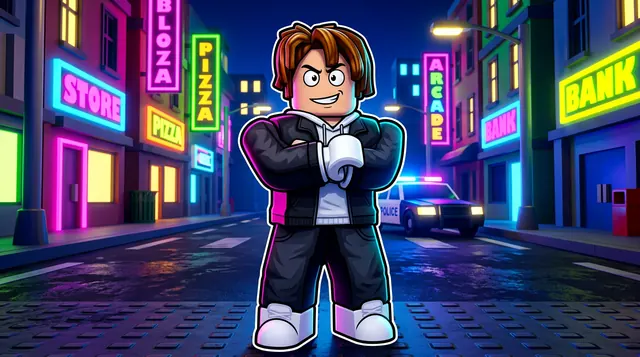
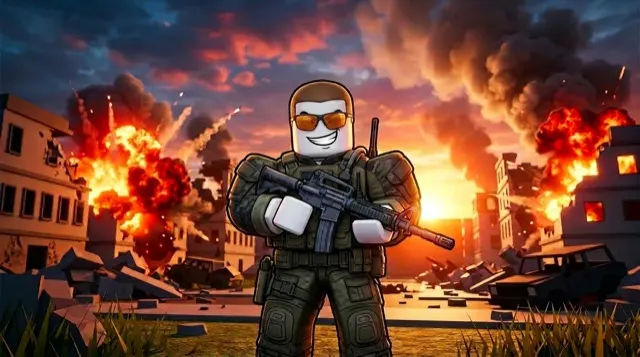
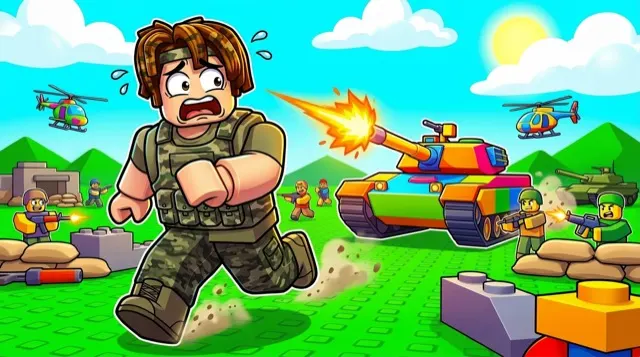
The first one was generated in BloxGFX from the example Da Hood prompt on this page. The other two were made for other Roblox games.
How to make a da hood thumbnail with AI
- 1Open the BloxGFX generator and pick the 16:9 thumbnail format.
- 2Describe your Da Hood scene — try a prompt like "tough roblox character in streetwear posing on a city street at night, dramatic urban lighting, bold attitude, neon signs".
- 3Optionally upload a reference image (your avatar, or a screenshot from Da Hood) to guide the AI.
- 4Generate, then refine with edit prompts until it pops at search-result size.
- 5Download the 1920×1080 PNG and upload it to your experience on the Creator Hub.
Tips for better results
- Attitude and the city sell it — confident street characters and an urban backdrop read as Da Hood.
- High-contrast night lighting and a strong pose or fight moment give the thumbnail an edgy hook.
- Lead with emotion and action — a bold focal character and high contrast win the click.
Da Hood thumbnail prompt ideas
Paste one into the generator and tweak the details to match your video or update.
Crew showcase
group of stylish roblox characters in streetwear posing under neon signs on a city street at night, confident attitude
Rich to broke
roblox character surrounded by flying cash on a night street, neon reflections on wet pavement, shocked face
Street showdown
two roblox characters facing off on a neon-lit street at night, dramatic rim lighting, tense standoff
Da Hood thumbnail style guide
- Colour palette
- Night city — deep blues and purples with hot neon pink and cyan signs.
- Focal subject
- Attitude: a character's pose and outfit.
- Avoid
- Blood or graphic violence; it gets thumbnails rejected and isn't needed for the vibe.
FAQ
How do I make a Da Hood thumbnail?
Describe the scene in BloxGFX — the street character, city setting, and mood — and it generates a finished 1920×1080 thumbnail in seconds.
Can I use my own character's fit?
Yes — upload a screenshot as a reference image and the AI keeps your character's outfit and look consistent.
How do I get the Da Hood vibe in a thumbnail?
Confident street characters, an urban night backdrop, high-contrast lighting, and a strong pose or fight moment give it that edgy, streetwise hook.
Make yours in seconds
Built by Roblox devs, for Roblox devs. No Blender, no designer.
Try BloxGFX free