How to Make a Roblox Thumbnail
To make a Roblox thumbnail, create a 1920×1080 (16:9) image with a bold focal character, high contrast, and a clear hook, then upload it to your experience in the Creator Hub. The fastest way is to skip Blender: describe the scene to BloxGFX's AI, generate a click-ready thumbnail in seconds, and download it ready to upload.
Updated · By the BloxGFX team — Roblox creators.
3 free credits to start · no credit card
Roblox thumbnails made with BloxGFX
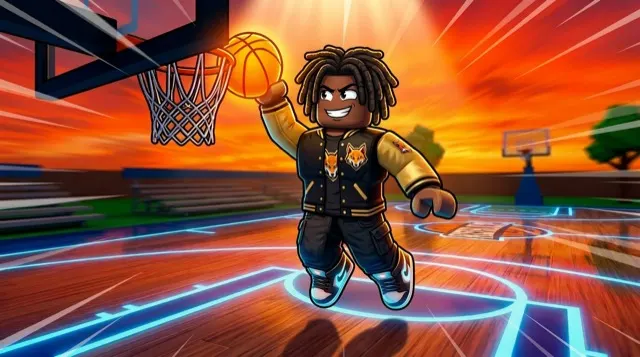
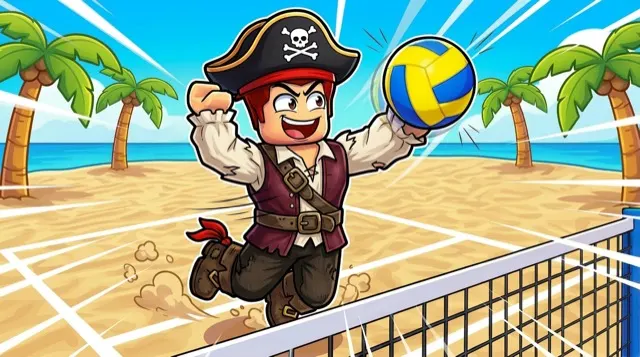
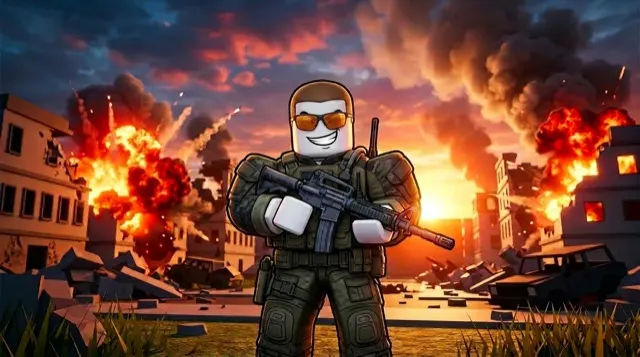
How to make a thumbnail with AI
- 1Decide the hook — the one thing that makes someone stop scrolling and click.
- 2Plan the composition: a bold focal character or object, strong contrast, simple background.
- 3Generate it with AI — describe the scene in the BloxGFX generator (or build it in Blender the slow way).
- 4Add your own character or brand with a reference image so it stays consistent across thumbnails.
- 5Refine with edit prompts ("make the sky darker", "add an explosion") until it pops.
- 6Download the 1920×1080 PNG and upload it to your experience on the Creator Hub.
Tips for better results
- Emotion and action beat objects — "shocked face, glowing sword, explosion behind" clicks better than "a sword".
- One clear focal point. A busy thumbnail reads as noise at search-result size.
- Check it at small size — that's how players actually see it.
- Keep text minimal; Roblox already shows your game's title next to the thumbnail.
FAQ
What size is a Roblox thumbnail?
1920×1080 pixels, a 16:9 aspect ratio, saved as PNG or JPG. BloxGFX outputs thumbnails at the correct size automatically.
Do I need Blender to make a Roblox thumbnail?
No. BloxGFX generates finished thumbnails from a text prompt, so you can skip Blender, rigging, and rendering entirely.
How do I make a high-CTR thumbnail?
Lead with emotion and action, use one bold focal character, high contrast, and a clear hook. Keep it readable at small sizes and let your title carry the words.
Can I make a Roblox thumbnail for free?
Yes — new accounts get 3 free credits (one-time), no credit card, for 16:9 thumbnails. Paid plans add higher resolution and more credits.
Make yours in seconds
Built by Roblox devs, for Roblox devs. No Blender, no designer.
Try BloxGFX free