Jailbreak Thumbnail Maker
A Jailbreak thumbnail is all action — a high-speed getaway, cops chasing robbers, sports cars, and a daring heist. BloxGFX generates that cinematic cops-and-robbers look from a prompt in seconds: describe the chase, the cars, and the heist, then download a click-ready 1920×1080 thumbnail.
Updated · By the BloxGFX team — Roblox creators.
3 free credits to start · no credit card
Roblox thumbnails made with BloxGFX
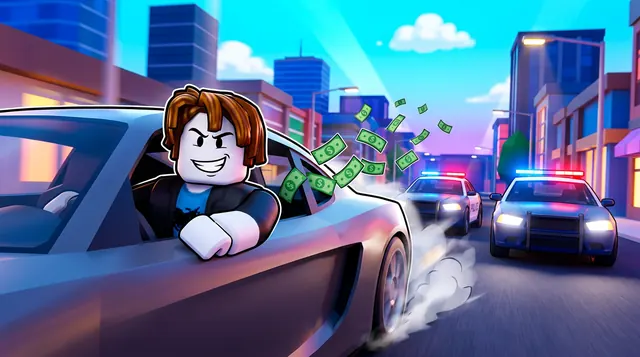
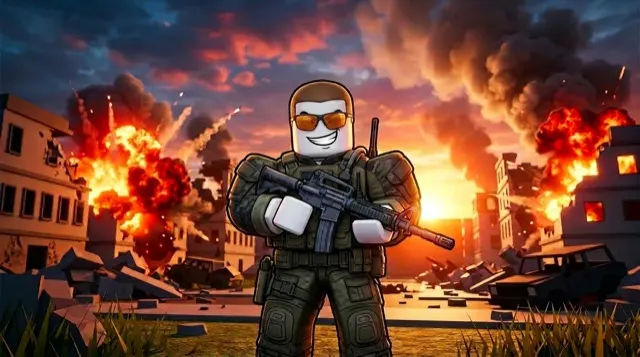
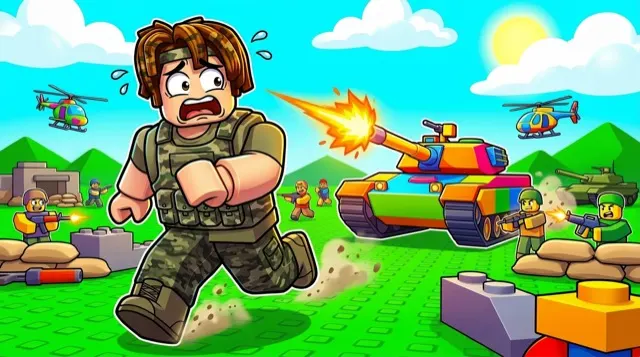
The first one was generated in BloxGFX from the example Jailbreak prompt on this page. The other two were made for other Roblox games.
How to make a jailbreak thumbnail with AI
- 1Open the BloxGFX generator and pick the 16:9 thumbnail format.
- 2Describe your Jailbreak scene — try a prompt like "roblox robber speeding away from police cars in a sports car, city background, dramatic chase, cash flying, cinematic lighting".
- 3Optionally upload a reference image (your avatar, or a screenshot from Jailbreak) to guide the AI.
- 4Generate, then refine with edit prompts until it pops at search-result size.
- 5Download the 1920×1080 PNG and upload it to your experience on the Creator Hub.
Tips for better results
- Motion and stakes sell it — a fast car, a chase, or a heist in progress captures the Jailbreak thrill.
- Show cops vs robbers and a standout vehicle to signal the action and any new car or update.
- Lead with emotion and action — a bold focal character and high contrast win the click.
Jailbreak thumbnail prompt ideas
Paste one into the generator and tweak the details to match your video or update.
Big robbery
roblox robber bursting out of a bank vault with bags of cash, alarms flashing, police lights outside, cinematic
Police chase
sports car drifting around a corner with police cars in pursuit, sparks flying, city at dusk, motion blur
Prison escape
roblox prisoner climbing over a prison wall at night, searchlight sweeping, guard tower, dramatic tension
Jailbreak thumbnail style guide
- Colour palette
- Cinematic city tones with police reds and blues as the accent.
- Focal subject
- The getaway — a car, a vault, or a wall — mid-action.
- Avoid
- Static posed characters; the game is about chases and heists.
FAQ
How do I make a Jailbreak thumbnail?
Describe the chase in BloxGFX — the cars, cops, and city — and it generates a finished 1920×1080 thumbnail in seconds.
Can I feature a specific car?
Yes — name it in your prompt and add a reference image so the vehicle matches the new or featured car you're showing.
How do I capture the action in a Jailbreak thumbnail?
Show motion and stakes — a speeding car, a chase, or a heist in progress — with a standout vehicle to signal a new car or update.
Make yours in seconds
Built by Roblox devs, for Roblox devs. No Blender, no designer.
Try BloxGFX free