Anime Adventures Thumbnail Maker
An Anime Adventures thumbnail is packed with summoned anime heroes — bold characters, special-attack effects, and a tower-defense battlefield. BloxGFX generates that crossover-anime look from a prompt in seconds: describe the units, the attack, and the action, then download a click-ready 1920×1080 thumbnail.
Updated · By the BloxGFX team — Roblox creators.
3 free credits to start · no credit card
Roblox thumbnails made with BloxGFX
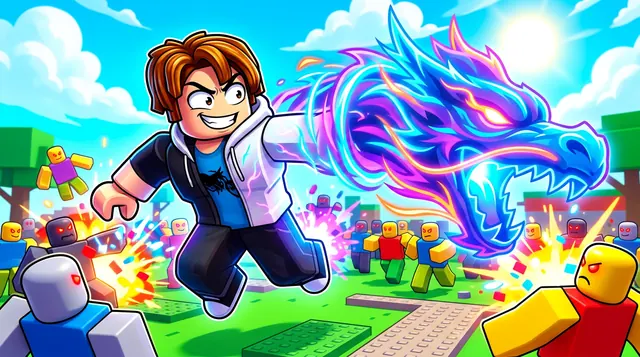
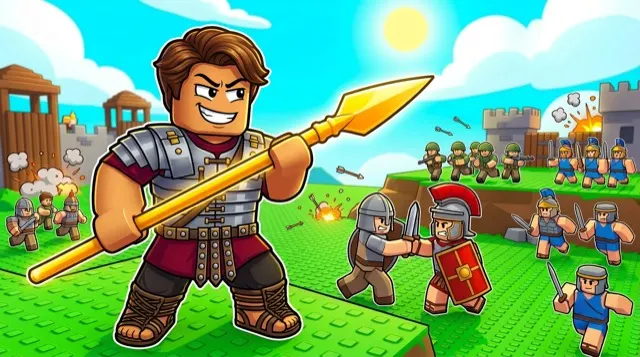
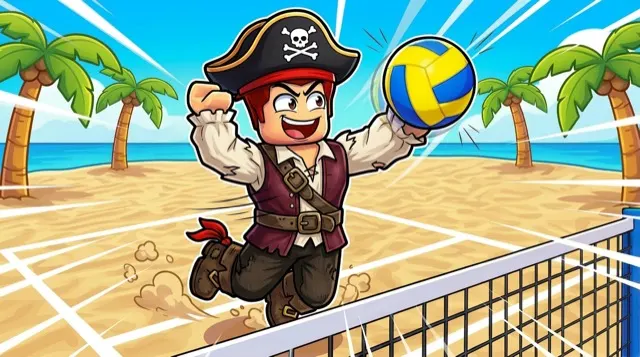
The first one was generated in BloxGFX from the example Anime Adventures prompt on this page. The other two were made for other Roblox games.
How to make a anime adventures thumbnail with AI
- 1Open the BloxGFX generator and pick the 16:9 thumbnail format.
- 2Describe your Anime Adventures scene — try a prompt like "powerful anime hero unit unleashing a special attack on a battlefield of enemies, glowing effects, dynamic action, bold colors".
- 3Optionally upload a reference image (your avatar, or a screenshot from Anime Adventures) to guide the AI.
- 4Generate, then refine with edit prompts until it pops at search-result size.
- 5Download the 1920×1080 PNG and upload it to your experience on the Creator Hub.
Tips for better results
- Heroes and effects are the draw — a strong anime unit mid-special-attack reads as Anime Adventures.
- Bright effects, a clear focal hero, and an enemy wave sell the tower-defense action.
- Lead with emotion and action — a bold focal character and high contrast win the click.
Anime Adventures thumbnail prompt ideas
Paste one into the generator and tweak the details to match your video or update.
Summon reveal
glowing summon portal with a powerful anime hero emerging in a burst of light, rarity stars above, excited player
Unit showcase
anime hero unit striking a special-attack pose with a huge energy blast, enemies scattering, bold colours
Raid wave
line of anime hero units holding back a massive enemy wave on a path, explosions and glowing attacks
Anime Adventures thumbnail style guide
- Colour palette
- Saturated anime colours with gold rarity glows for summons.
- Focal subject
- One hero unit or one summon moment.
- Avoid
- Showing the whole lineup; a single strong unit reads better than ten small ones.
FAQ
How do I make an Anime Adventures thumbnail?
Describe the scene in BloxGFX — the hero units, special attacks, and battlefield — and it generates a finished 1920×1080 thumbnail in seconds.
Can I feature a specific unit?
Yes — name it in your prompt and add a reference image so the unit's design and effects match what you're highlighting.
What should an Anime Adventures thumbnail feature?
A strong anime hero unit mid-special-attack with bright glowing effects, over a battlefield of enemies — the hero and the effect are the draw.
Make yours in seconds
Built by Roblox devs, for Roblox devs. No Blender, no designer.
Try BloxGFX free