Roblox Vector Icon Maker
A vector icon is a clean, flat graphic with a transparent background — ideal for Roblox UI buttons, shop and game-pass icons, and HUD overlays. BloxGFX generates flat vector-style icons from a text prompt and removes the background automatically, giving you a crisp 1024×1024 transparent PNG ready to drop straight into your game's UI.
Updated · By the BloxGFX team — Roblox creators.
3 free credits to start · no credit card
Vector icons made with BloxGFX
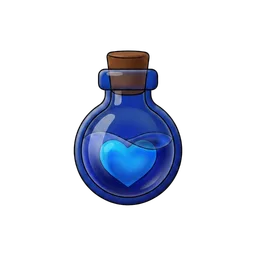
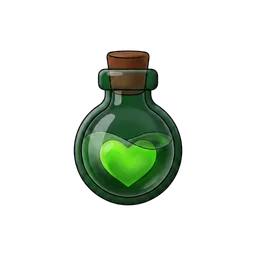
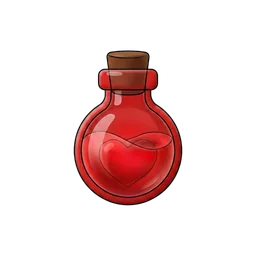
How to make a vector icon with AI
- 1Open the BloxGFX generator and pick the Vector Icon format.
- 2Describe one simple, instantly-readable subject (a coin, gear, heart, sword, shop bag…).
- 3Generate — BloxGFX renders a flat vector icon and cuts the background out for you.
- 4Refine with an edit prompt if you want a different color or shape.
- 5Download the transparent 1024×1024 PNG and use it as an ImageLabel or ImageButton in your UI.
Tips for better results
- One bold subject on its own reads best — vector icons are often shown tiny in a HUD.
- Flat shapes and high contrast stay crisp at 32–64 px; avoid fine detail and gradients.
- The transparent background means the same icon drops cleanly onto any UI color or frame.
- Name your colors in the prompt ("gold coin with a white shine") for on-brand, consistent sets.
FAQ
What is a Roblox vector icon?
A clean, flat icon with a transparent background — the kind you use for UI buttons, shop items, game-pass perks, and HUD elements. BloxGFX generates them from a text prompt and removes the background automatically.
Do the icons have a transparent background?
Yes — every vector icon is exported as a transparent PNG, so it sits cleanly on any UI color, frame, or background in your game.
What size are the vector icons?
1024×1024 px transparent PNGs. They scale down crisply for small UI elements like 64×64 buttons and HUD icons.
Can I use them in Roblox Studio UI?
Yes — upload the PNG as a Decal/Image and set it on an ImageLabel or ImageButton. The transparent background means no extra masking is needed.
Is it free?
New accounts get 3 free credits (one-time, no monthly refill) for 16:9 thumbnails. Vector Icon is a paid format (from $4.99/mo).
Make yours in seconds
Built by Roblox devs, for Roblox devs. No Blender, no designer.
Try BloxGFX free